Setting up Bank account
1. Go into Brand Edit mode (each brand may sell their own voucher so choose the correct brand).

2. Scroll down until you see “Setup Bank Account”, click in. You would be redirected to Stripe to setup your merchant account or login into your account if you already have one with Stripe. Depending on your business type, you may see different screens from the below.


3. Using Singpass is the easiest way to KYC your account to stripe.


4. Finally you will setup your bank account.

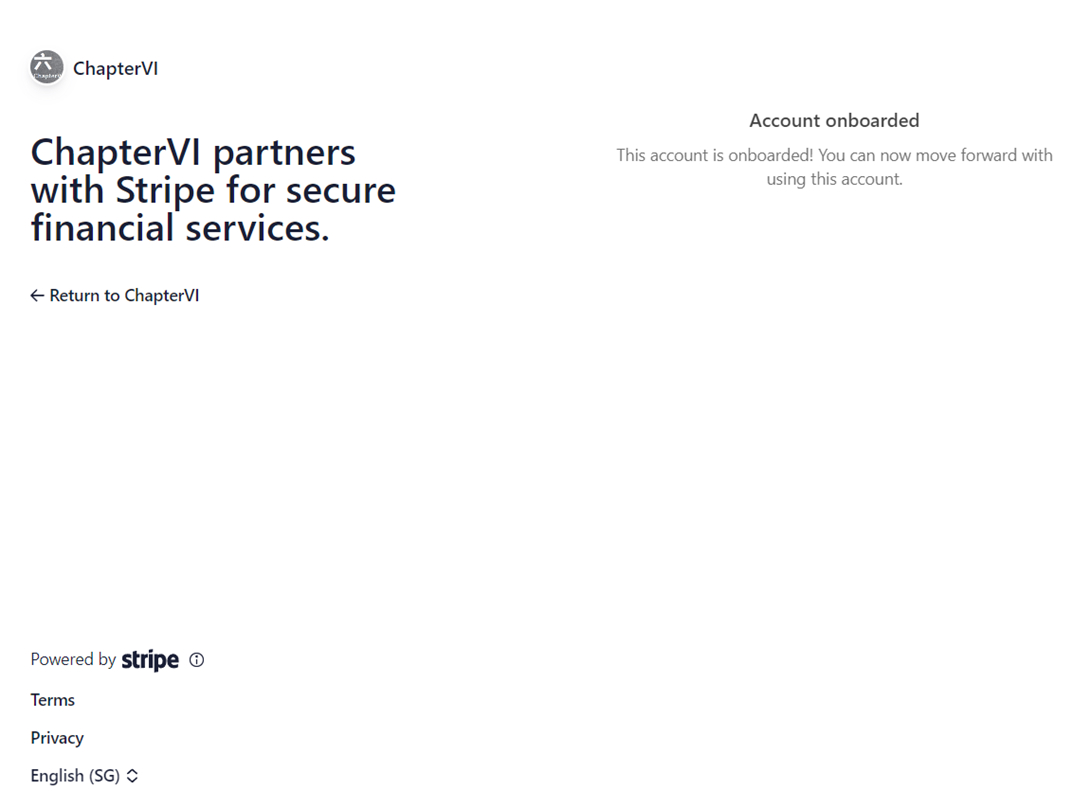
5. Once completed, you will be directed back to ChapterVI portal.
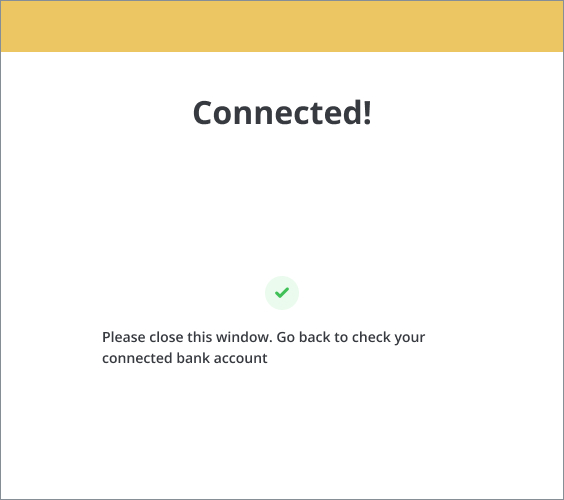
6. Close the window and you should be back at the Brands page and see that your bank account is now setup successfully!
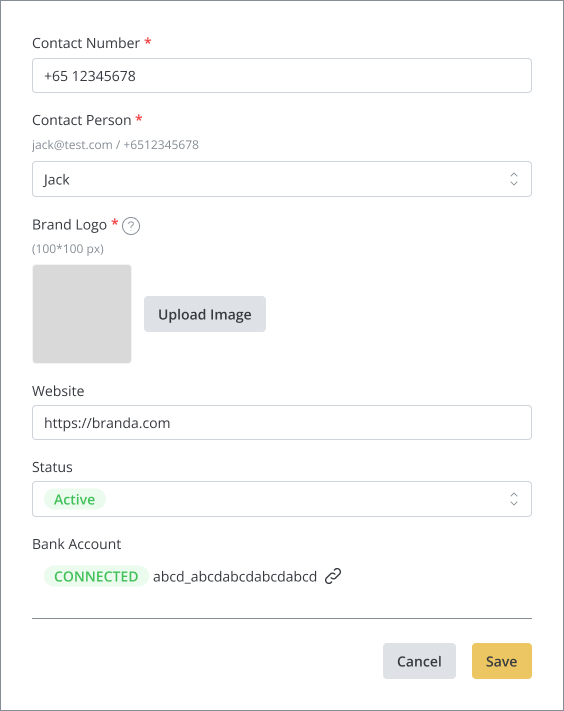
7. Go to the voucher page and add a voucher. Look for the “For Sale” option, and you should now be able to toggle it to Green and allow you to set a Price.
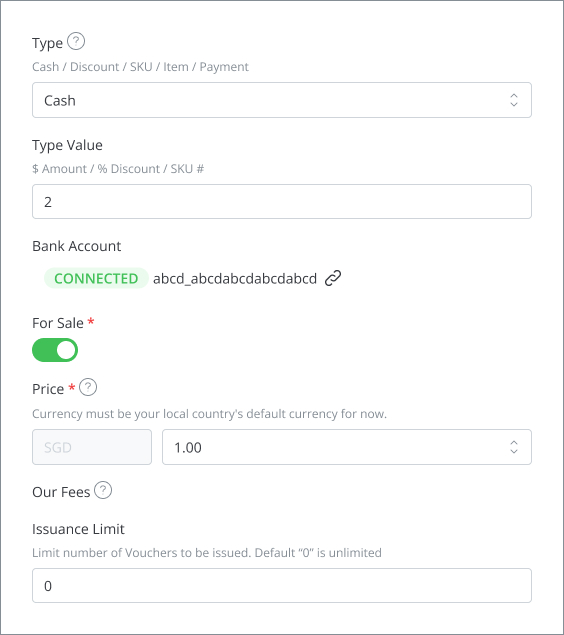
8. Save and you are done.
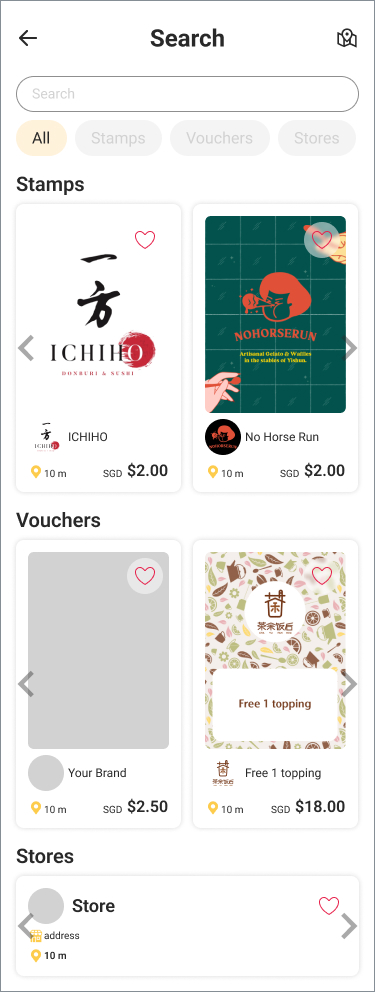
9. You should now be able to see your voucher for sale in the app.
10. Login into your Stripe account and you will be able to see your sales proceeds less ChapterVI Fees.

 ChapterVI | First Meta Stamp-ing loyalty platform in Singapore