
How to find an Avatar
STEP 1
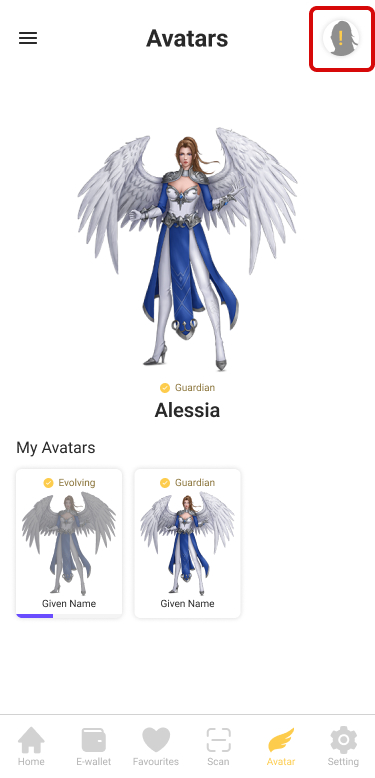
You can see the exclamation on Avatar icon in the upper right corner, click to enter.
STEP 2
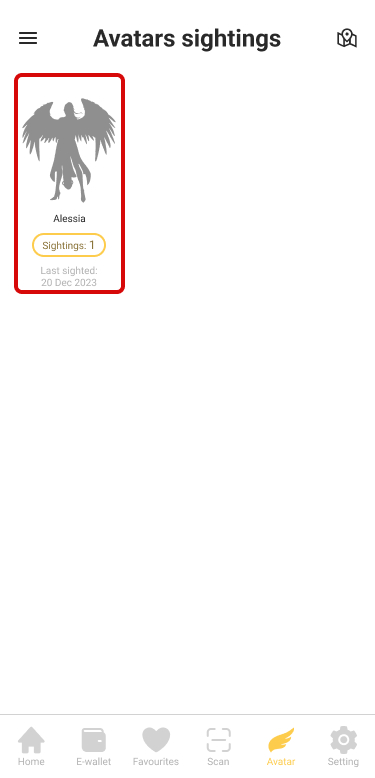
You can see all collected avatars, click on one.
STEP 3
The map will show which store has the Avatar.

How to earn an Avatar
STEP 1
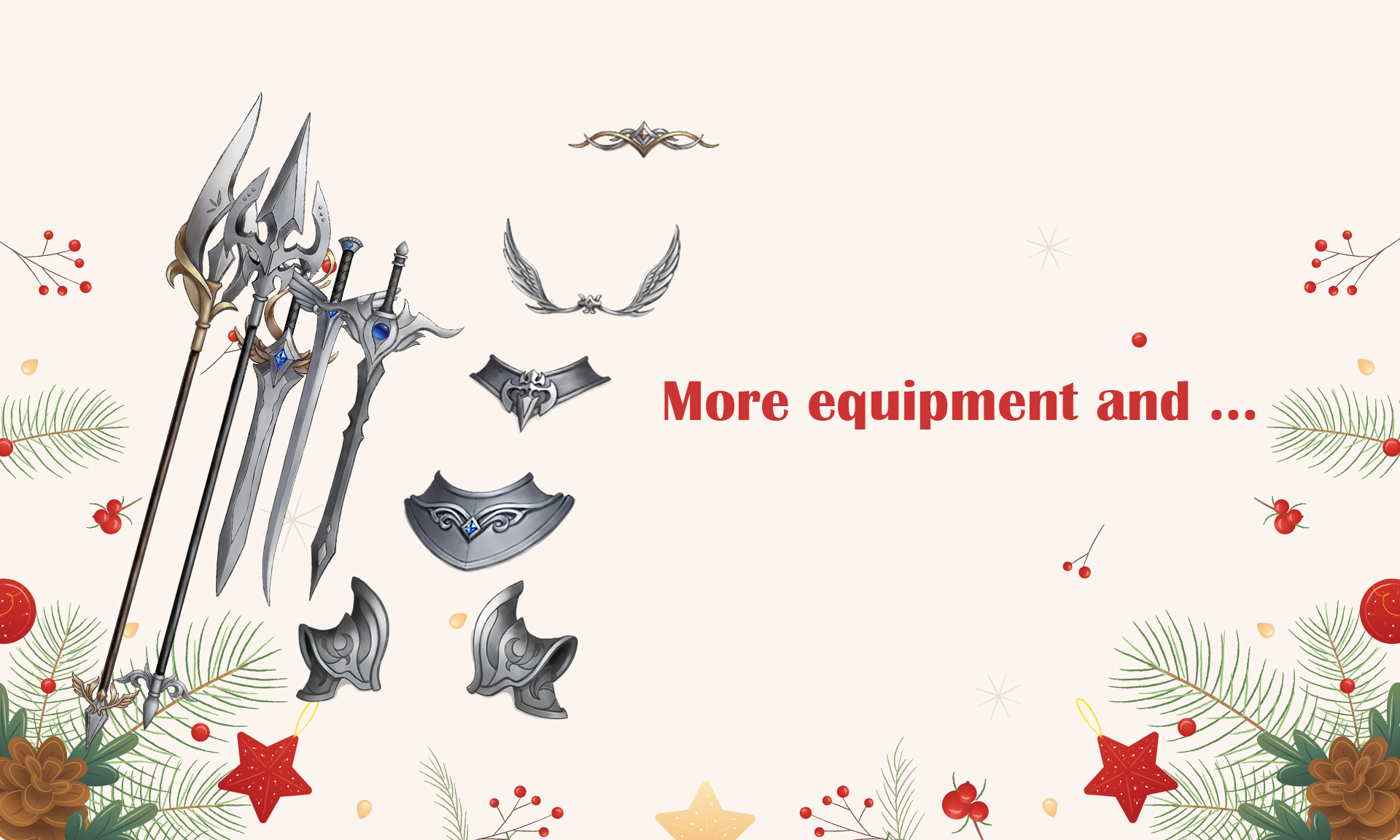
Find stamps with special ChapterVI Wing icon  to get a chance to win either a guardian Avatar or an Avatar equipment.

STEP 2
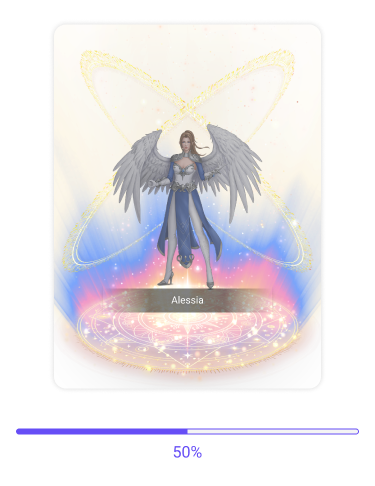
Evolve your avatar by earning stamps. 1 stamp earns 2% evolution points.
STEP 3
Complete evolution to receive your first Guardian Avatar.

How to Equip your Guardian Avatar
STEP 1
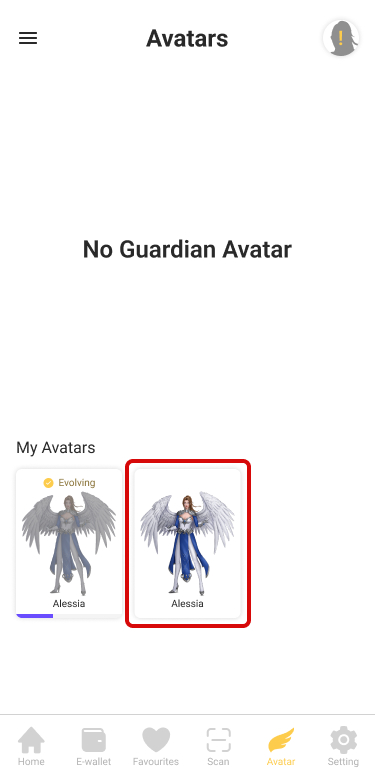
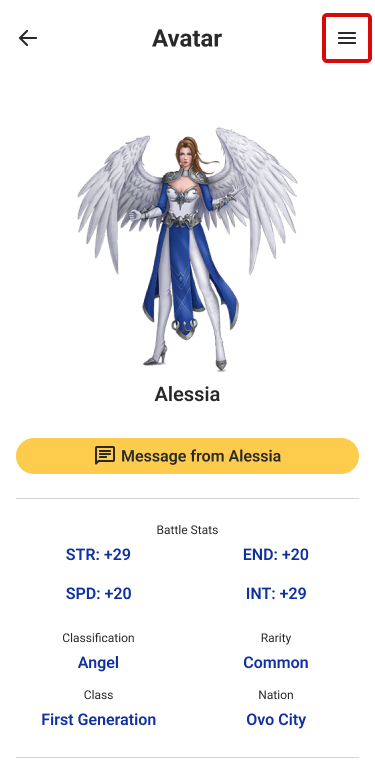
Only Guardian Avatar can be equipped. First, choose and evolved avatar.
STEP 2
Click the menu in the upper right corner.
STEP 3
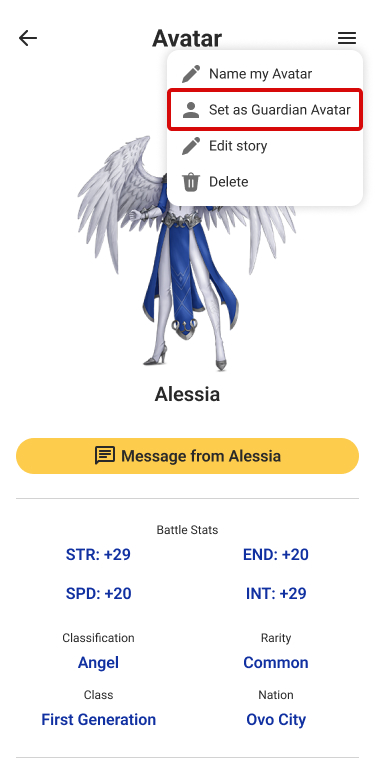
Click on “Set as Guardian Avatar”.
STEP 4
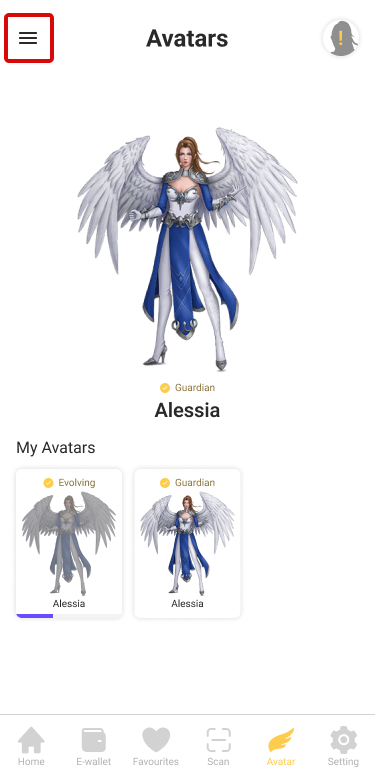
Click the menu in the upper left corner.
STEP 5
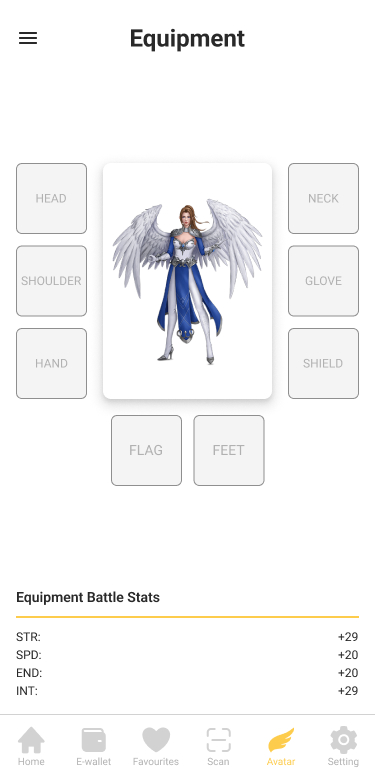
Click on “Equipment”.

STEP 6
Click on different parts to equip your avatar.

 ChapterVI | First Meta Stamp-ing loyalty platform in Singapore